Lenos Expo Booths: Setup & Configuration
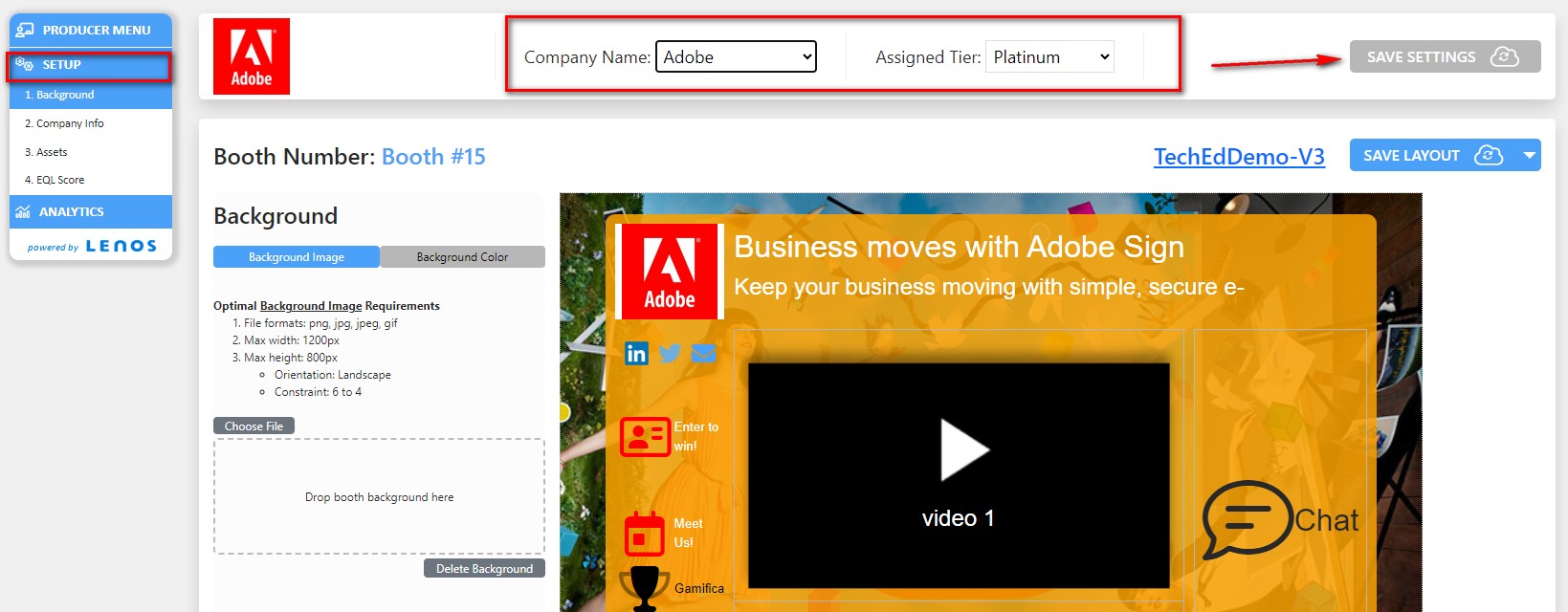
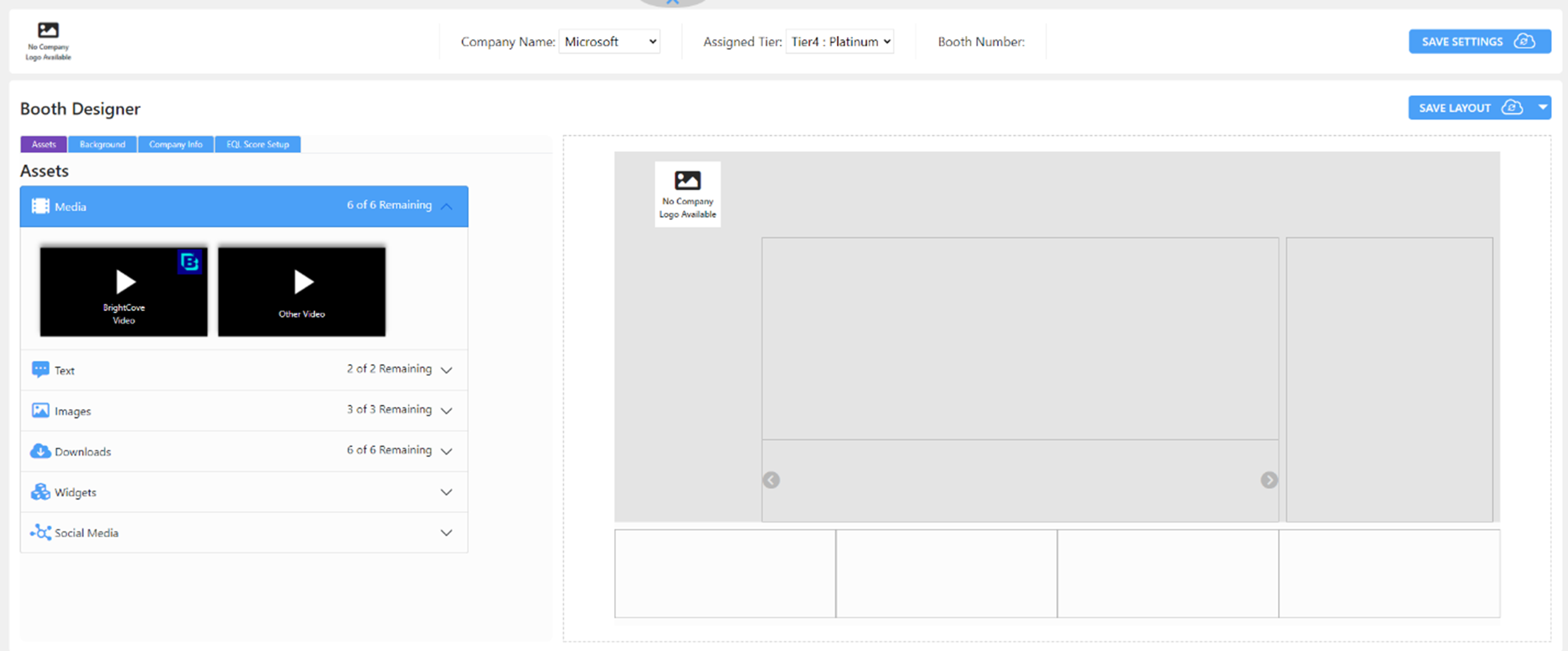
Under this tab, the event administrator can select an Exhibitor and assign them the Exhibitor Level (Tier) which was configured on the Producer Menu Settings previously. To do so, please follow the steps below:
Select the “Booth” option under Virtual Spaces tab from the left-hand side menu.
Select a company from the Company Name dropdown as shown below.
Select a tier from the Assigned Tier dropdown as shown below.
Click the Save Settings button to complete the process.