Lenos Expo Booths: How to Add Exhibitor List widget to your website
Now that the settings are completed, you can display the Exhibitors on your website. To do so, please follow the steps below:
Login to Lenos Studio and open your website.
Create a new page or open the page that needs to display the Exhibitor List.
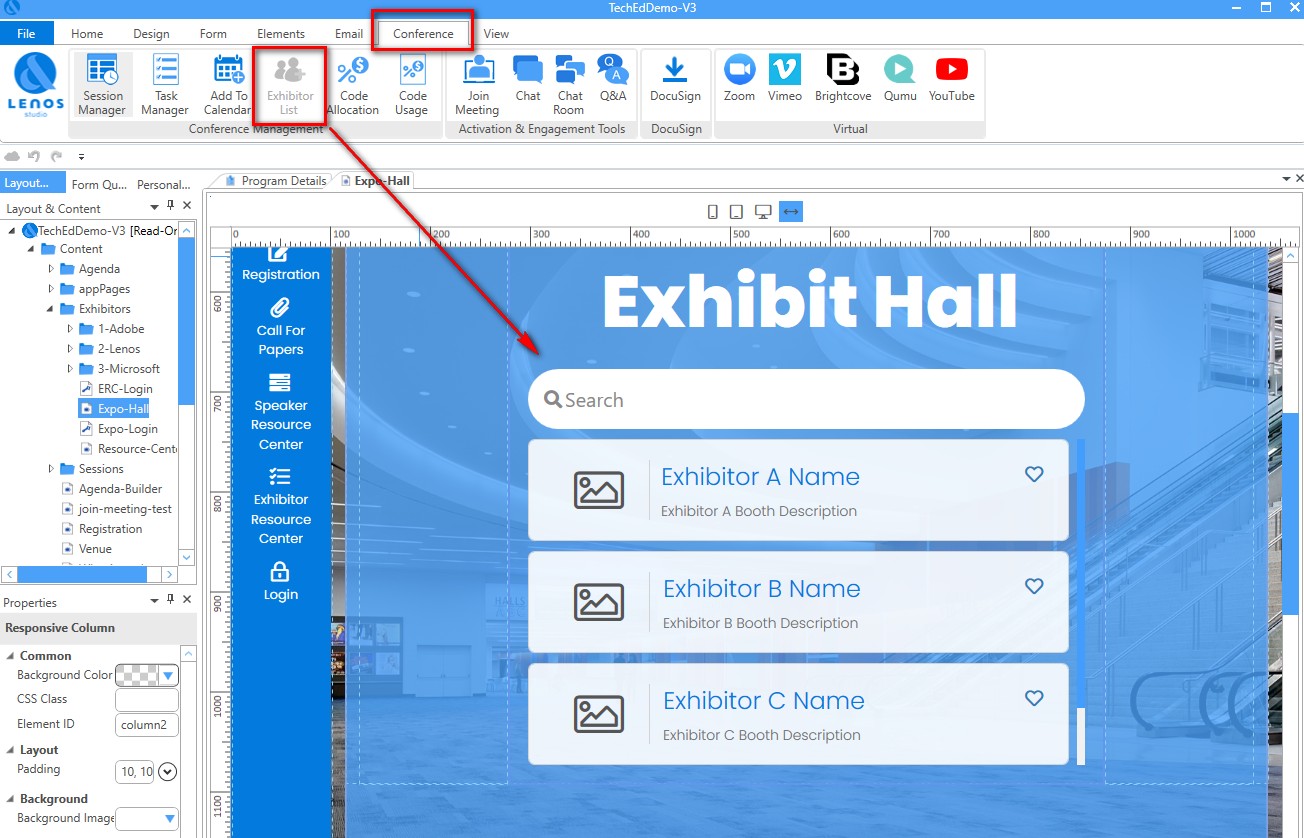
On this page, go to the Conference ribbon and select the Exhibitor List widget as shown below.